Mobile apps
Development builds exist for iOS/iPadOS and Android 8.0+. Public App Store and Google Play downloads are not available yet.
 Vey
Vey
Remote desktop for getting work done
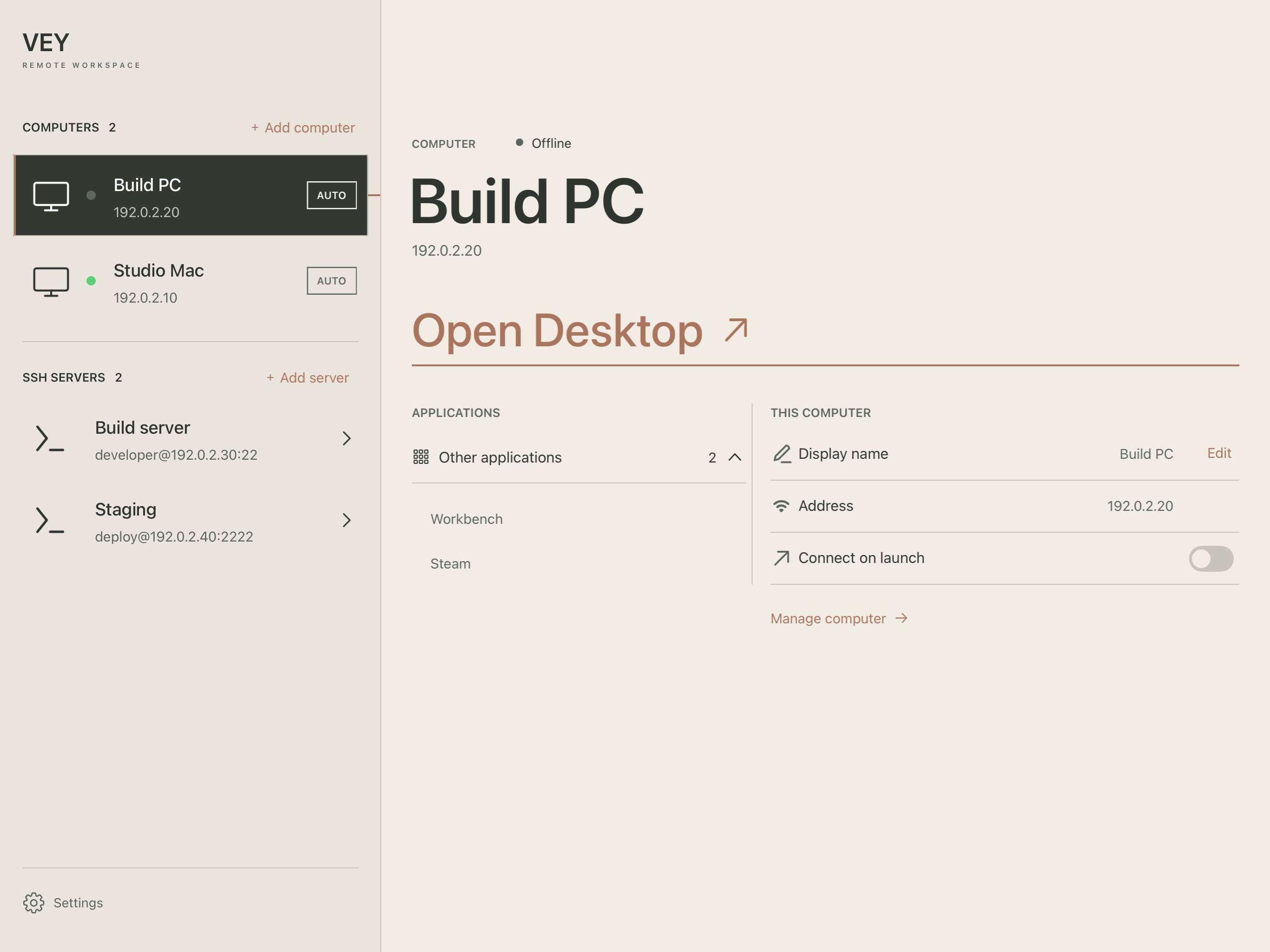
Keep your tools on your PC. Open your desktop and SSH sessions from an iPhone, iPad or Android device, or from another computer with Vey Desktop.
AvailabilityAll products are still in development, with no public release yet.
Vey iPhone · iPad · Android
Why Vey · Mobile workspace
The useful part starts after you connect: change monitors, zoom into your work, and move between a desktop and server terminals without juggling apps.
Installation
Development builds exist for iOS/iPadOS and Android 8.0+. Public App Store and Google Play downloads are not available yet.
A free client for your PC
The free Windows and Mac client now has desktop and SSH tabs in one workspace. Keep multiple PC sessions open, return to an existing connection, and confirm before disconnecting.
Desktop SSH uses system OpenSSH. Windows needs the optional OpenSSH Client feature; passwords are entered in the terminal and are not saved.
A free host for the computer you connect to
Install Vey Host on the computer you want to access. It sends the screen and audio, receives input and advertises supported Vey controls. macOS and Windows installers are being tested for release.
Compatible streaming hosts can connect too. Vey-specific cursor, clipboard and monitor controls require host support.
| Platform | Vey Desktop | Vey Host |
|---|---|---|
| macOS | In development | DMGPreparing for release |
| Windows | In development | EXEPreparing for release |
| Linux | Not announced | PackagePlanned |
Installers will be available here when the public beta is ready.
Start with pairing, find the right pointer mode, or work through a connection problem. The handbook explains how the parts fit together.
Read the handbookAvailability
iPhone and iPad are planned for the App Store, Android for Google Play. Final mobile prices and release dates are not announced. Vey Desktop and Vey Host will be free, with corresponding source and license information. Development APKs and unsigned builds are not public releases.